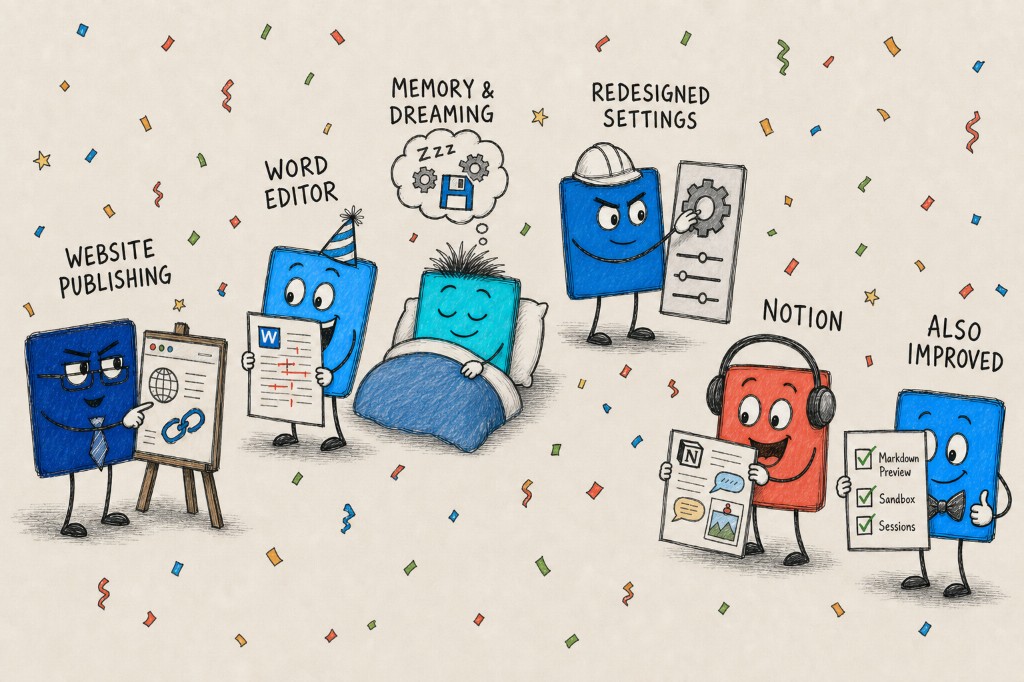
A lot has shipped since our last update. Agents can now take a website from idea to a live public URL, draft and redline Word documents alongside you, and quietly get better at your work while you sleep. Here's what's new as of July 9.
Website Publishing
Doe can now build complete, sophisticated websites end to end - from simple landing pages to full interactive apps built on modern frameworks like React - and publish them to a permanent, shareable URL.
Ask Doe to build a site and the agent scaffolds the project, writes the code, compiles it in a secure sandbox, and publishes the result to a stable Doe-hosted address. There's no separate deploy step, no external hosting account, and no implementation URLs leaking through - just a clean link on your workspace domain.
You control who can open it. Every published site has an access level:
- Private - only you can view it
- Organization - anyone in your org can view it
- Public - anyone with the link can view it
Republishing preserves your access setting, so an agent iterating on your site never silently changes who can see it. Prototype a marketing page, hand a stakeholder a working demo, or stand up an internal tool - and share it in the way that fits.
Word Document Editor
You can now create and edit Word documents right inside Doe, in a full editor with the formatting tools you'd expect - and with AI agents working in the document alongside you.
The editor has three modes: Edit, Suggest, and View. Suggest mode records every edit as a native Word tracked change, with a live change counter and accept/reject controls on each revision. When an agent reviews a document, its replacements, insertions, deletions, and comments land as real tracked changes anchored to the text they refer to - so the review is a redline you can walk through and accept or reject item by item, not a wall of prose about what changed.
Documents sync in real time, so you and the agent can iterate together in the same file: ask for a stronger clause, watch it appear as a suggestion, accept it, and keep moving. Finished files are standard .docx, live in your Library, and round-trip cleanly with Microsoft Word.
We partnered with teams in the legal space to fine-tune document generation for professional, high-stakes drafting - the kind of work where tracked changes and anchored comments aren't a nice-to-have, they're the workflow.
Background Learning & Memory
Doe now remembers - deliberately, and with you in control.
There are two ways memories get created. The first is explicit: tell Doe "remember that we report revenue in EUR" and the agent saves it as a preference it will apply going forward. The second is what we internally call dreaming: after a session goes idle, a background learning system reviews the completed work and learns - how you like things formatted, which accounts matter, what "the usual report" means - and proposes them as memory suggestions.
Everything learned in the background is yours to review. The new Settings → Memory page shows two sections: Active (memories you saved or approved) and Suggestions (learned patterns awaiting review). An auto-approve toggle lets safe suggestions activate automatically, or you can review each one and approve, reject, or delete it. Separate personalization controls decide whether agents may reference saved memories and chat history at all.
The result is an agent that gets measurably better at your work over time - without you writing a single instruction document.
Redesigned Settings
Settings got a ground-up overhaul. It's now a full-page experience with a sidebar organized into Personal and Organization sections, direct URLs for every tab, and instant navigation between pages.
Personal settings cover preferences, personalization, memory, sessions, storage, and data & privacy. Organization settings cover connections, channels, action approvals, plans, usage and limits, and membership. Labels were humanized across the board, and old links redirect to their new homes - so nothing you've bookmarked breaks.
Notion Enhancements
Two upgrades for teams that live in Notion:
- Comments, read and write. Agents can now read unresolved comment threads across an entire page - including comments on nested blocks, which Notion's API doesn't surface without deep traversal - and create new comments or reply to existing threads. Ask Doe to summarize open feedback on a doc, or leave its review as comments where your team will actually see them.
- Images that don't expire. When Doe writes charts or images to Notion, temporary signed URLs are automatically detected and re-uploaded as permanent Notion-hosted files. No more pages full of broken images an hour after the agent delivered them.
Also Improved
- Editable markdown previews - flip any markdown preview into edit mode, make changes, and save them back to the file, with more reliable live document editing throughout.
- Code sandbox file publishing - sandbox outputs persist to your Library with one call, and paginated tool results can now be saved directly into the code sandbox for further analysis.
- Stricter session ownership - tighter owner-based access control on sessions, plus an ownership filter in the Library, and improved user management for admins.
- Preview controls on Library and Loops - both pages now share the same top-bar preview controls as the rest of the app, including list and board views on Loops and a keyboard shortcut (Cmd/Ctrl+I) to toggle the preview pane.
All of this is live now. Open Doe and try it - and if you build something with Website Publishing, we'd love to see it.